
Head to head · 2026
P27ZB or P27Z? Resolution against refresh rate
The two fastest 27-inch monitors in the range, €130 apart. One favours Retina density, the other speed and contrast. The choice comes down to a simple question: do you work on a Mac?
Comparison
The two fast 27-inch monitors
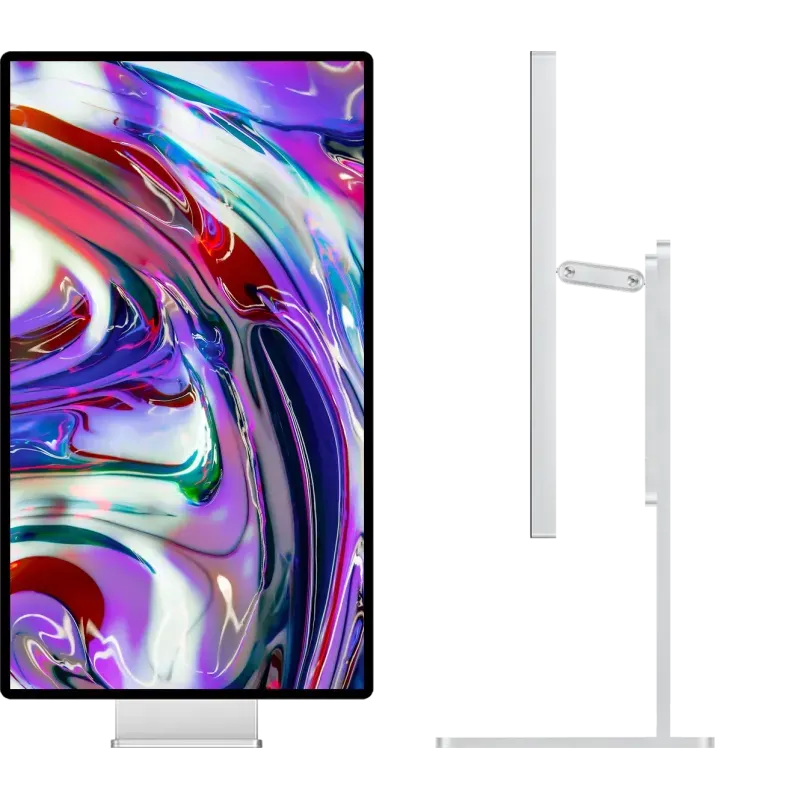
Kuycon P27ZB
27" · 4K · 240 Hz · Nano IPS Black
From zł4,069.90
- Resolution3840 × 2160
- Density163 ppi
- Refresh rate240 Hz
- Contrast2000:1
- Delta E< 2
- Finishmatte
Why we recommend it: 240 Hz with 2000:1 contrast and calibration to ΔE below 2 is a rare combination. And its 4K stays within what Apple documents as supported on the M5 Pro and M5 Max chips.
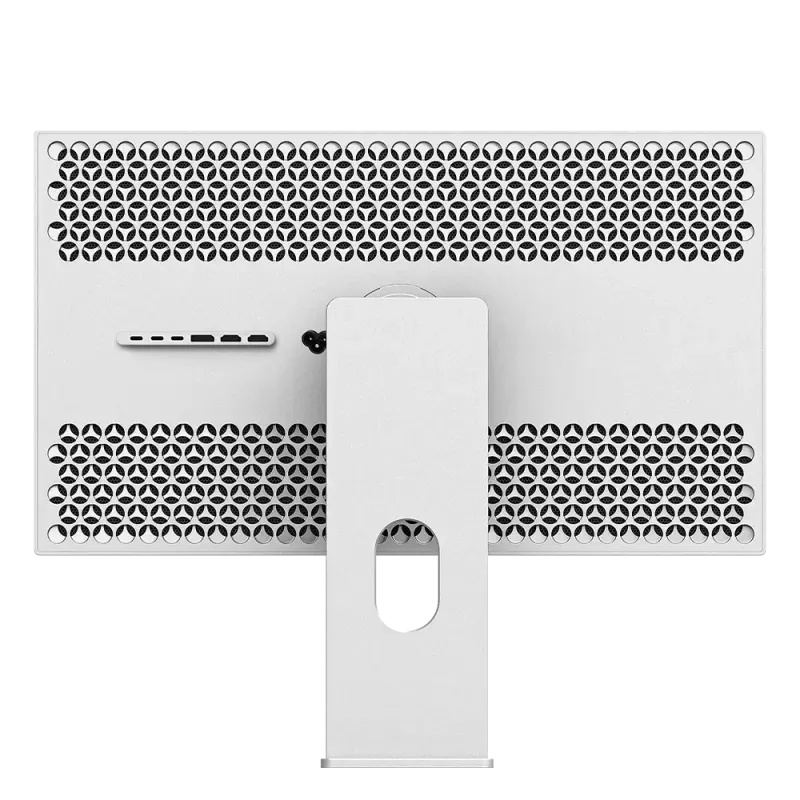
Kuycon P27Z
27" · 5K · 180 Hz · IPS
From zł4,629.90
- Resolution5120 × 2880
- Density218 ppi
- Refresh rate180 Hz
- Contrast1500:1
- eSports mode330 Hz QHD
- Finishglossy
Why we recommend it: 218 ppi is the exact Retina density macOS expects. On a Mac, text there is crisp in a way a 27-inch 4K does not reach.
| P27ZB | P27Z | |
|---|---|---|
| Resolution | 3840 × 2160 | 5120 × 2880 |
| Density | 163 ppi | 218 ppi, Retina |
| Refresh rate | 240 Hz | 180 Hz |
| Fast mode | 480 Hz in FHD | 330 Hz in QHD |
| Panel | Nano IPS Black | IPS |
| Contrast | 2000:1 | 1500:1 |
| Colour | ΔE < 2, 99 % DCI-P3 | 98 % DCI-P3 |
| Finish | matte | glossy anti-reflective |
| On M5 Pro / Max | 4K 144 Hz documented | capped at 60 Hz |
| Price | zł4,069.90 | zł4,629.90 |
Manufacturer specifications. Prices are shown in your currency.
On a Mac, the question is settled by macOS
Two things weigh in, and they point the same way.
First density: macOS is designed around 218 ppi. A 27-inch 5K produces true Retina rendering there; a 27-inch 4K, at 163 ppi, forces non-native scaling that softens text. Advantage P27Z, clearly.
Then compatibility: on MacBook Pro M5 Pro and M5 Max, high-refresh 5K is currently capped at 60 Hz by macOS 26 and the Thunderbolt 5 firmware, while Apple documents 4K at 144 Hz. On those particular machines, the P27Z's 180 Hz does not come through, see our detailed article.
On a PC, the question is different
No platform limitation: both run at full refresh rate. The choice becomes a classic trade-off again.
- You game as a priority: the P27ZB. 240 Hz in 4K, 480 Hz in Full HD, 1 ms GtG, and 2000:1 contrast that changes dark scenes.
- You produce as a priority: the P27Z for resolution, or the G27P if refresh rate is of no use to you.
- You do both in equal measure: the P27ZB, because it gives up nothing on colour, ΔE below 2, factory calibrated, where 240 Hz monitors usually skip that.
Matte or glossy, the other difference
The P27ZB is matte, the P27Z glossy anti-reflective. That is not a detail: if there is a window behind you, matte will save you working around a reflection all day. In a room with controlled lighting, glossy preserves contrast better. The subject is covered in matte or glossy.
FAQ
P27ZB or P27Z: frequently asked questions
Which one to choose for a Mac?
The P27Z for sharpness: 218 ppi match the Retina density macOS expects. Beware, however, on MacBook Pro M5 Pro and M5 Max, where high-refresh 5K is currently capped at 60 Hz: the P27ZB in 4K keeps its smoothness there.
Which one for gaming on a PC?
The P27ZB: 240 Hz in 4K and 480 Hz in Full HD, against 180 Hz and 330 Hz in QHD for the P27Z. It adds 2000:1 contrast, twice that of most gaming monitors.
Is the P27ZB suitable for image work?
Yes: 99% DCI-P3, 10-bit, ΔE below 2 and Nano IPS Black contrast of 2000:1. That is what sets it apart from the usual 240 Hz monitors. It gives up only density against the 5K.
Why is the cheaper one the faster one?
Because a 4K panel costs less to produce than a 5K, and demands less bandwidth at equal refresh rate. The P27ZB invests that budget in speed and contrast rather than in resolution.
Which finish for a desk near a window?
The P27ZB, which is matte. The P27Z has a glossy anti-reflective coating, higher in contrast but more sensitive to a light source placed behind you.
Two ways of going fast at 27 inches
Retina density, or 240 Hz with the contrast. 2-year worldwide warranty.
See both modelsComparison written in September 2026. The specifications are those published by the manufacturer; check the product page before buying.